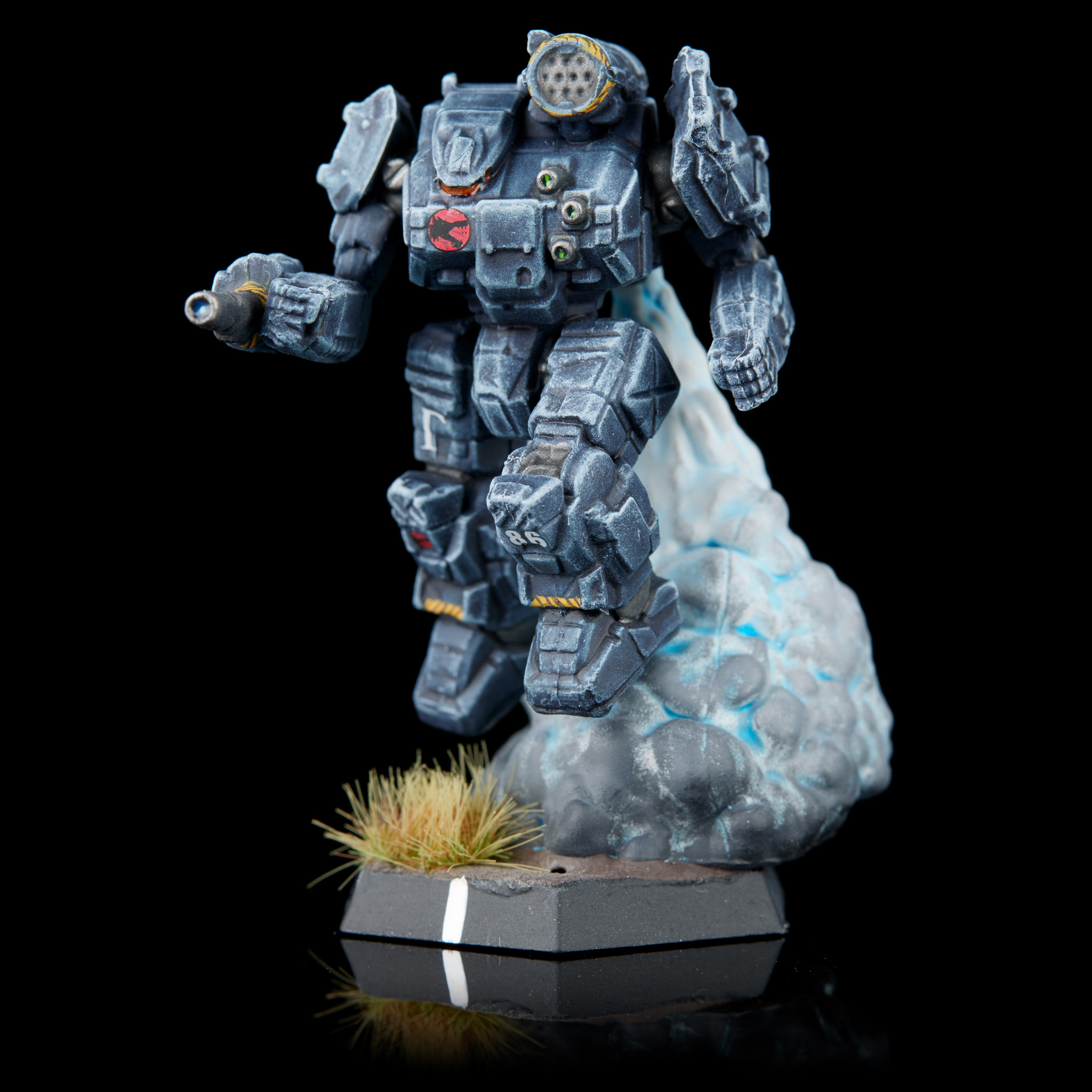
The various mercenary force packs released have each included one mech that can be either placed on a base as usual or on a smoky jump plume. I think the jump plumes look cool, and using them is another easy way to make your models stand out. I've done mine in two different ways - once with a bit of a blue glow at the center, and once with an orangey burn.
Either way, you're going to want to paint it separately from the mech, as otherwise it'll be very hard to reach everywhere.
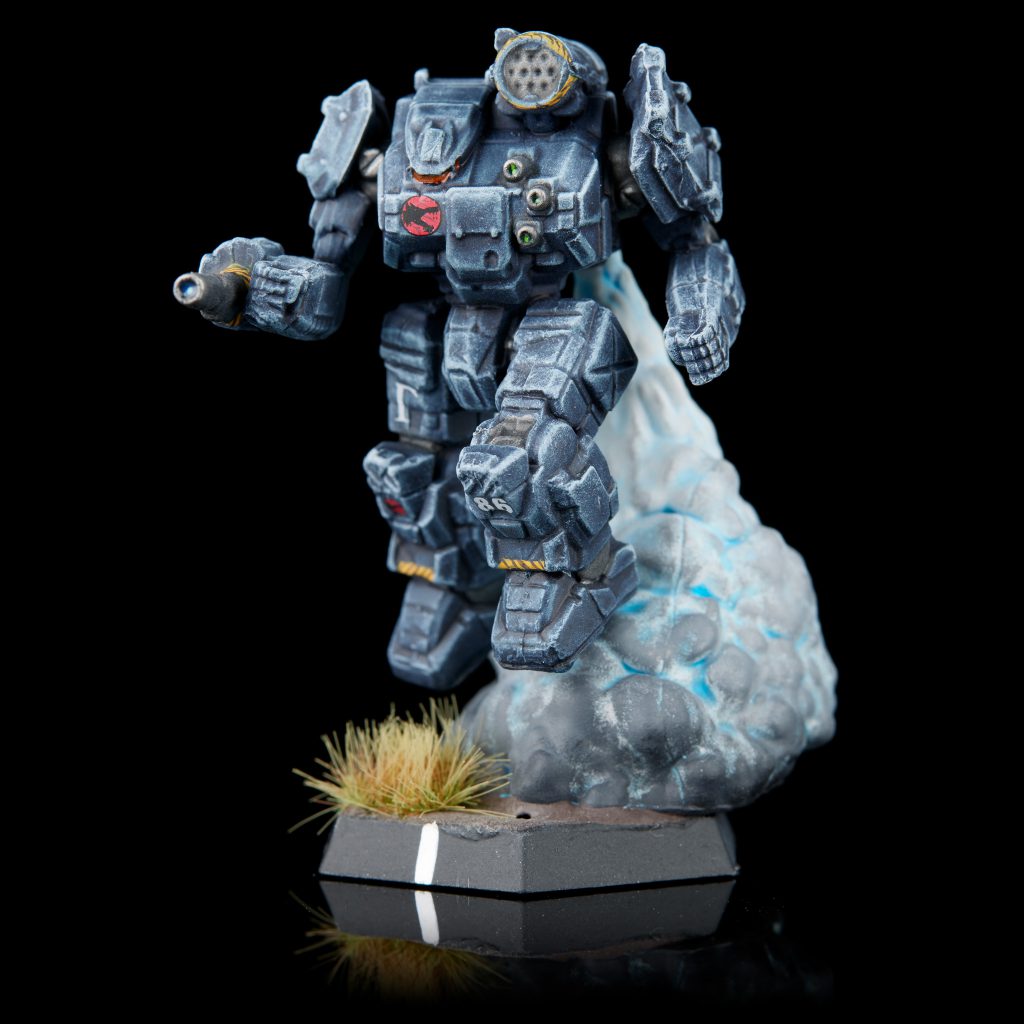 Wolf's Dragoons Thunderbolt. Credit: Jack Hunter
Blue Glow
- Start by priming the jump plume with a very light grey or white.
- Lightly coat the entire thing in Aethermatic Blue Contrast. Concentrate it at the top where the clouds are thinnest, but having it hit the lower areas adds some nice definition.
- Heavily drybrush the entire thing with Proacryl Bold Titanium White.
- From about 2/3 of the way up down to the bottom, drybrush with Proacryl Bright Neutral Grey.
- Repeat step 4 with Proacryl Neutral Grey, Dark Neutral Grey, and Black. Each time you should cover less of the plume and drybrush more lightly until you're just barely hitting the very lower areas with black.
- Apply basing texture to the base, then superglue the plume to the base while the texture paste is still wet. This'll embed the plume somewhat into the paste, which makes it look like it's actually there and not just sitting on top of it.
Orangey Glow
This is harder to get looking "right" than the blue glow above because it's something we have more real references for. If you look at a rocket launch, the area just outside the rocket is very very white, with just the slightest tinge of yellow, then turning into billowing white clouds as it gets further away. With paint we have much more limited dynamic range than our eyes can see, so we can focus on making either the rocket glow look right, or making the clouds look right. I've chosen to focus on the clouds, which are the biggest part of these bases, but if I wanted to focus on the rocket glow I'd use darker greys instead of very light grey and white in the clouds.
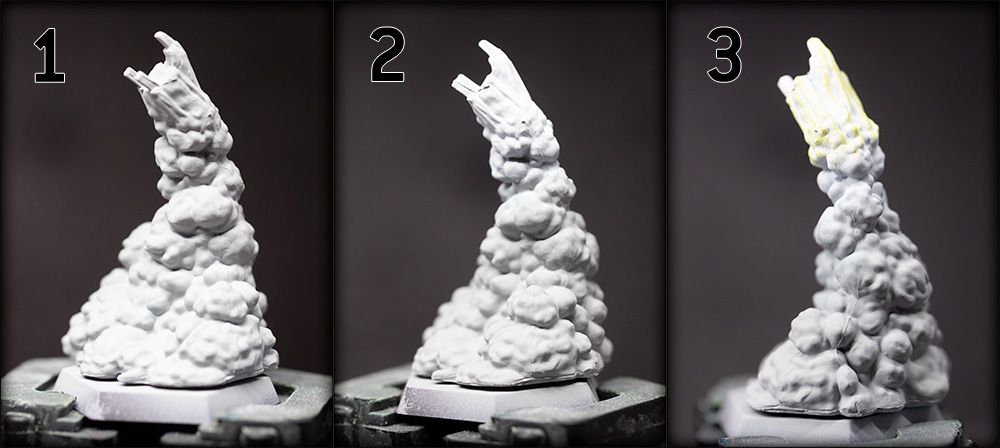
- Prime with a light grey or white, then basecoat with Proacryl Bright Neutral Grey.
- Airbrush Proacryl Bold Titanium White onto the top of the plumes. You'll notice there's an area that has a more streaky and less billowy texture - this part is sculpted to be the actual burning part of the jump jet, so we want to make sure it's white.
- Lightly drybrush that section with a very pale yellow like Scale 75 Lilith Yellow.
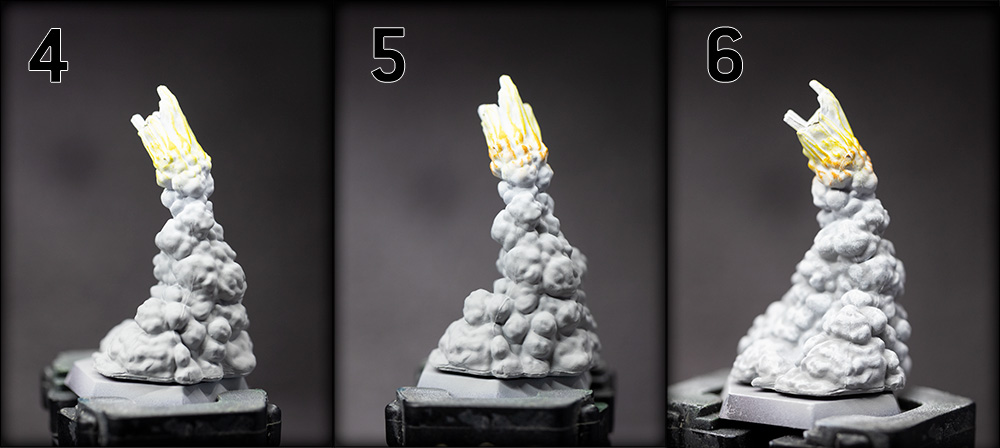
- Drybrush again with a Proacryl Yellow, this time further away from the tips and closer to the cloud section.
- Do a final drybrush that starts to overlap the clouds with Vallejo Game Color Orange Fire.
- Heavily drybrush all the clouds with Proacryl Bold Titanium White.
- Apply basing texture to the base, then superglue the plume to the base while the texture paste is still wet. This'll embed the plume somewhat into the paste, which makes it look like it's actually there and not just sitting on top of it.
 This website uses cookies. Learn more.
 Wolf's Dragoons Thunderbolt. Credit: Jack Hunter

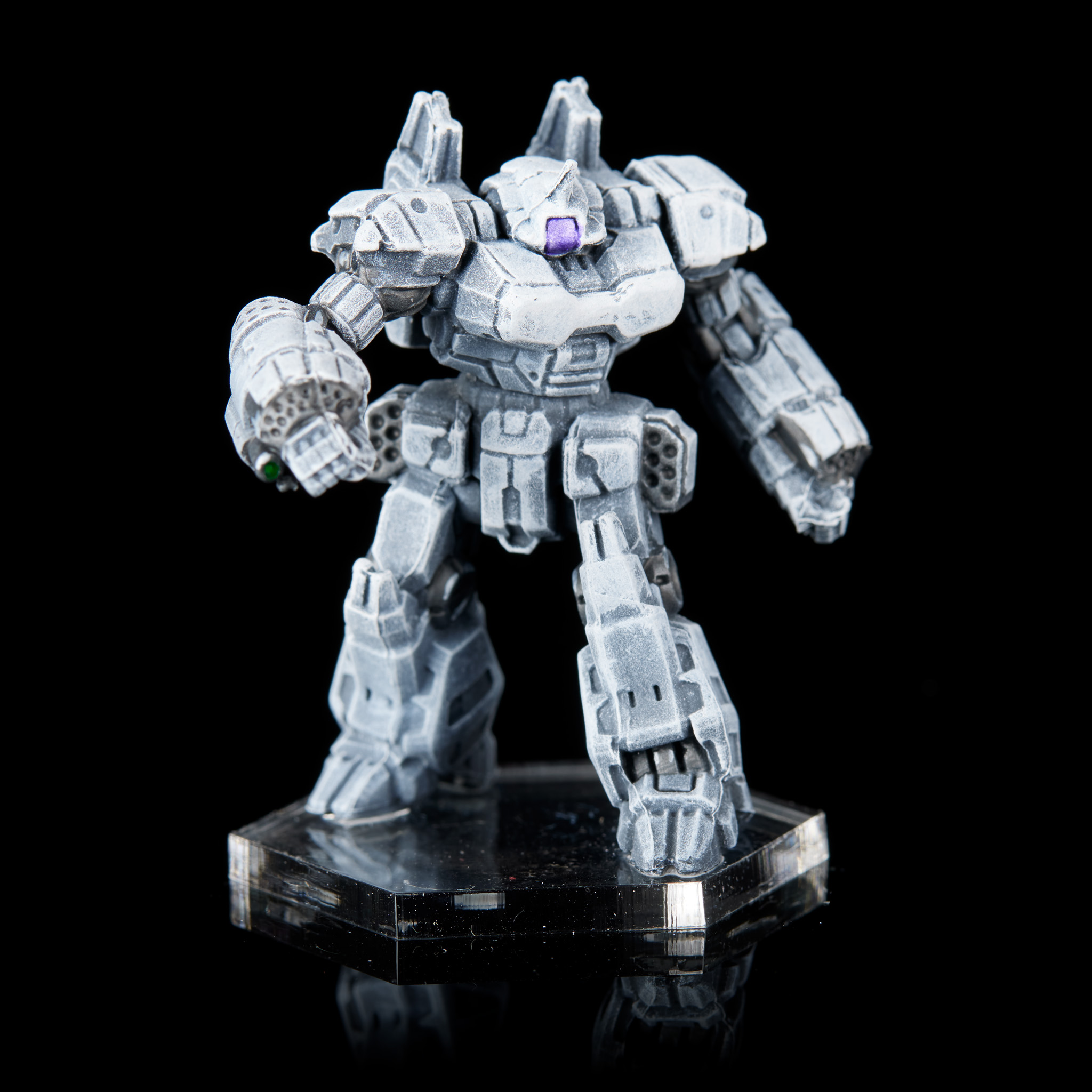 Crusader. Credit: Jack Hunter

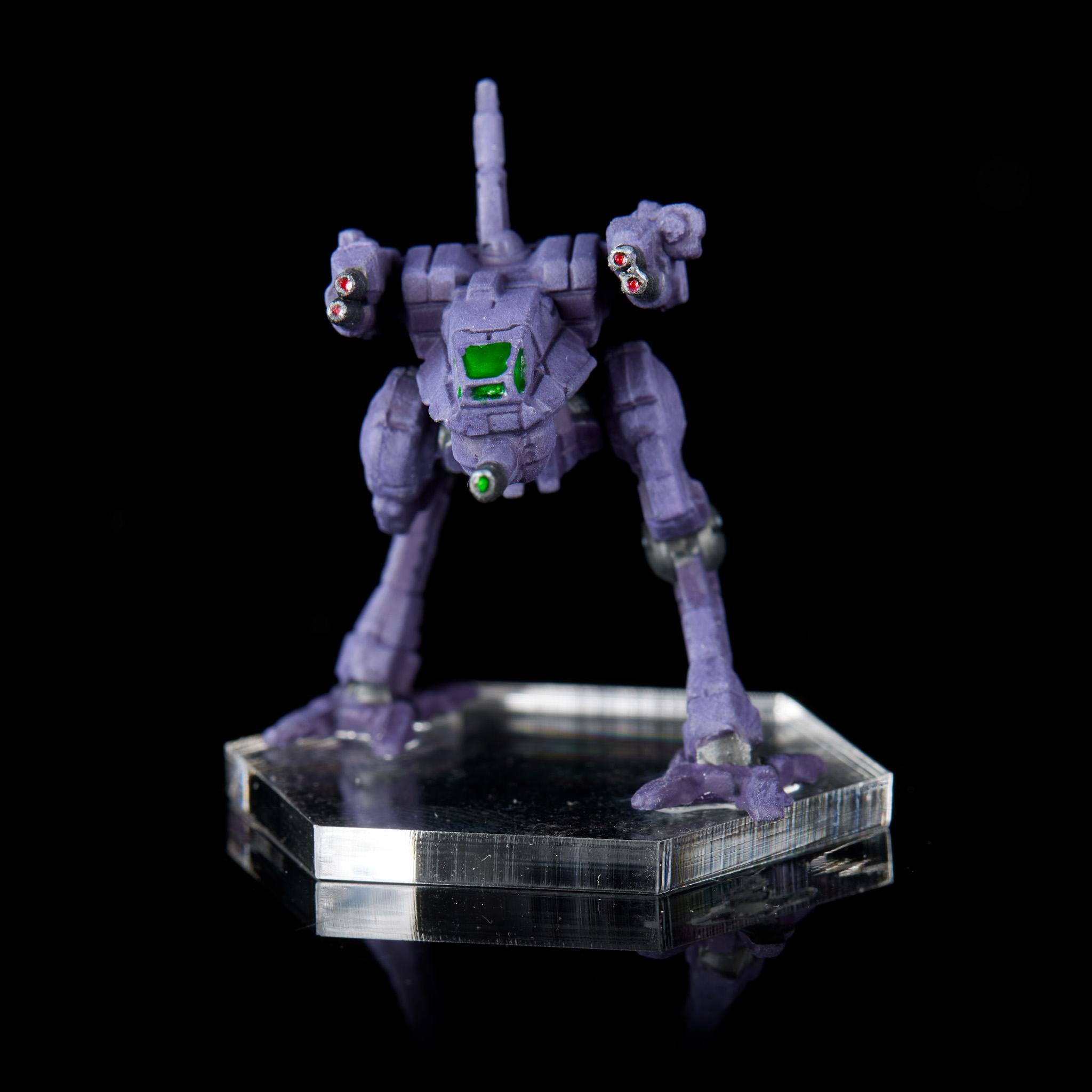 Locust. Credit: Jack Hunter

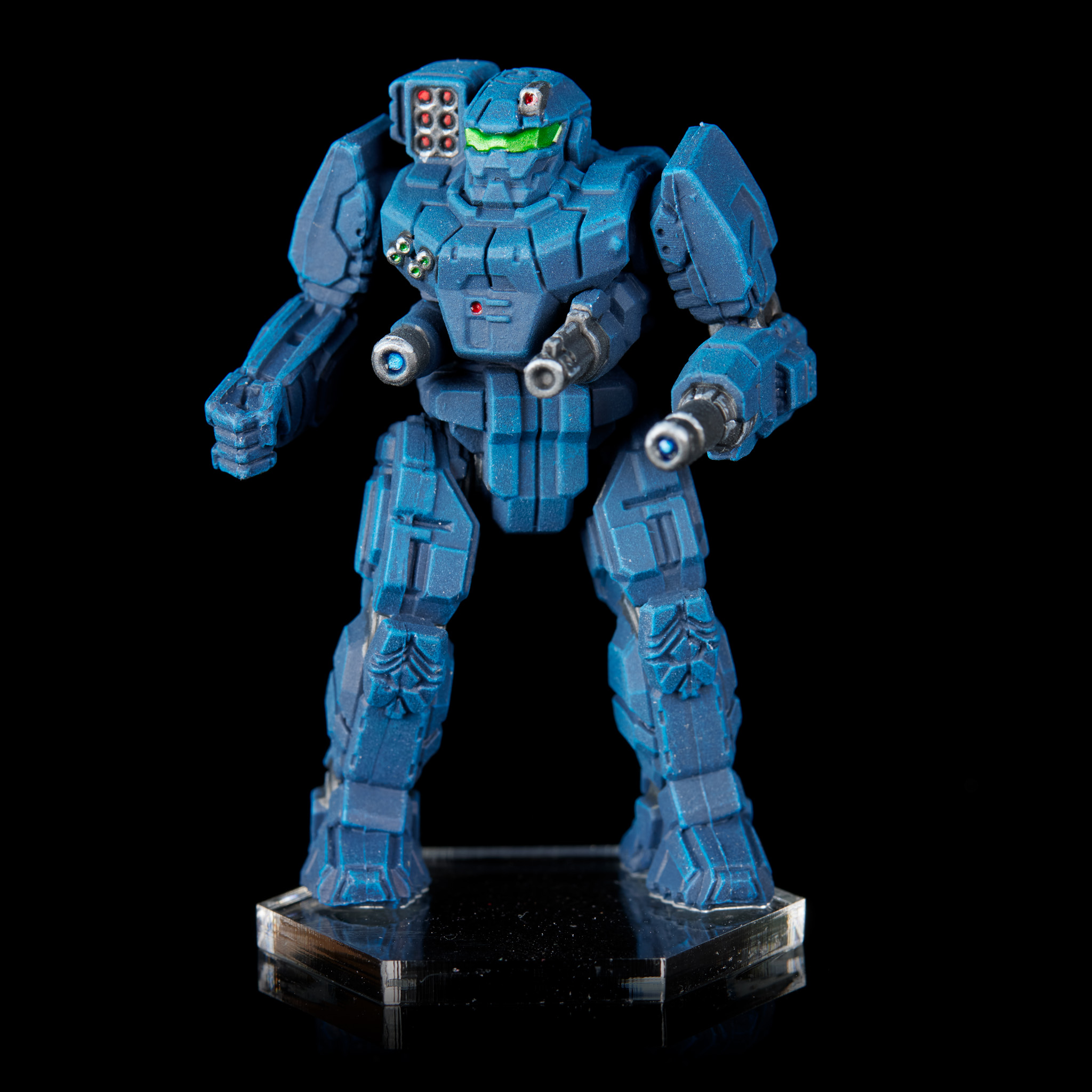 Banshee. Credit: Jack Hunter

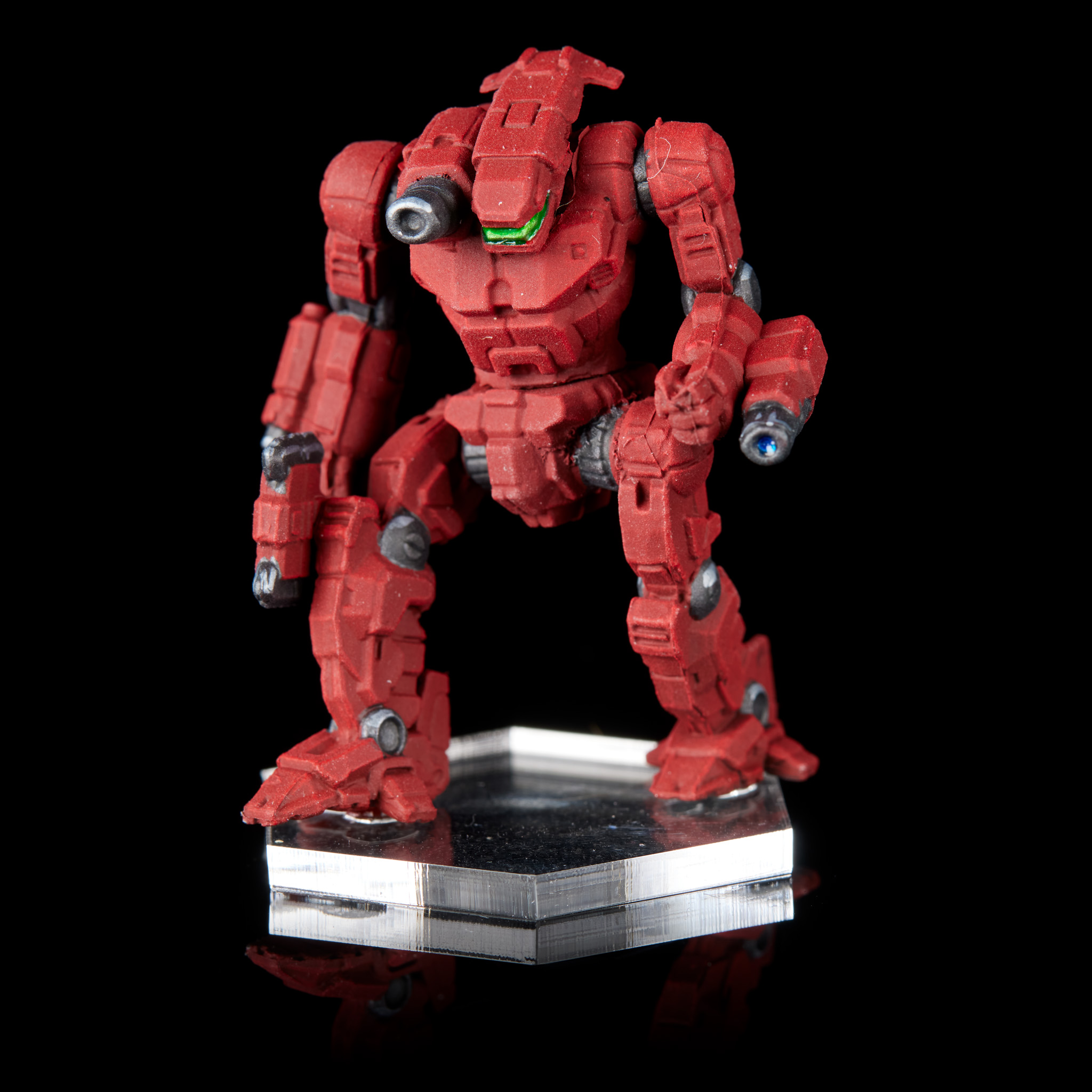 Axman. Credit: Jack Hunter

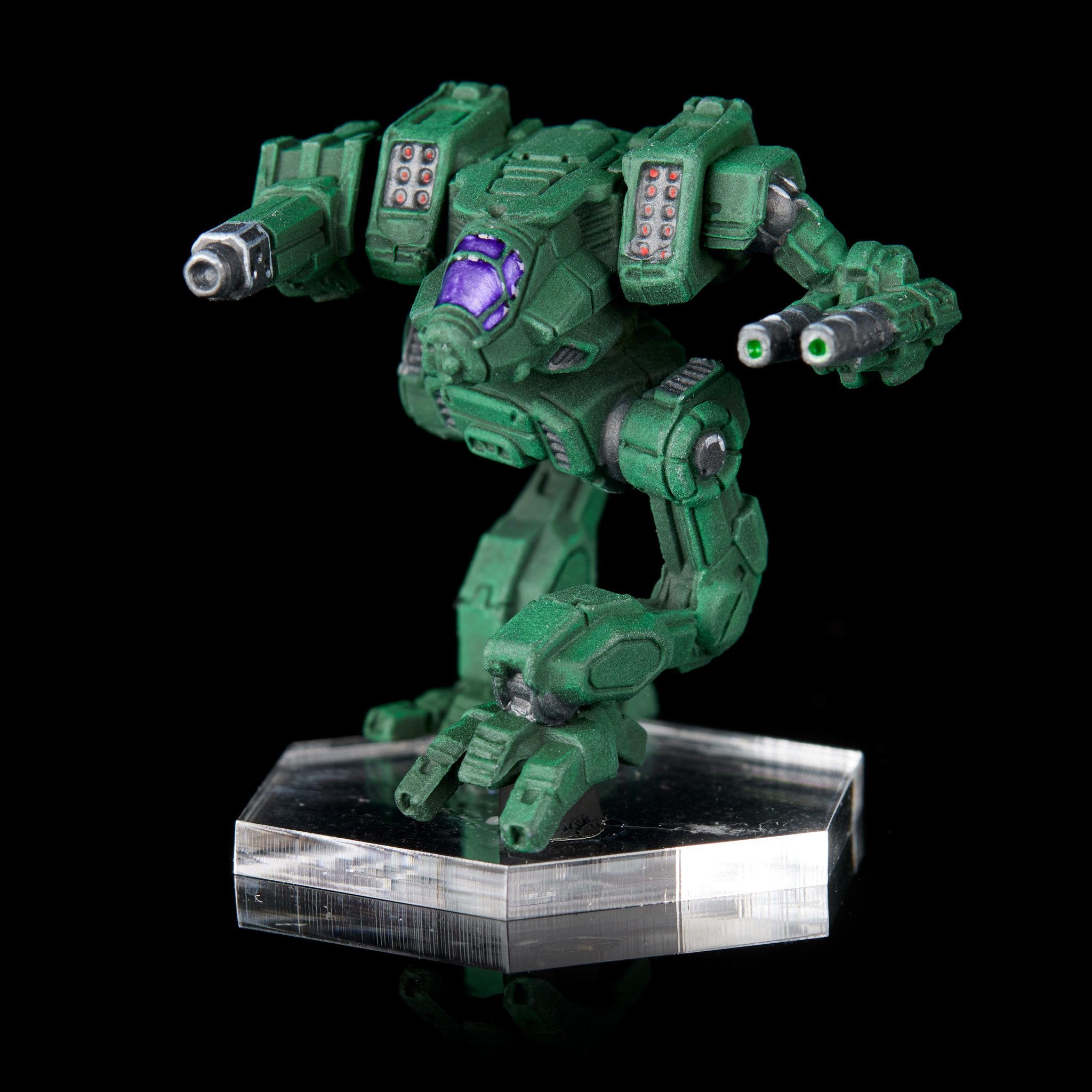 Black Lanner. Credit: Jack Hunter

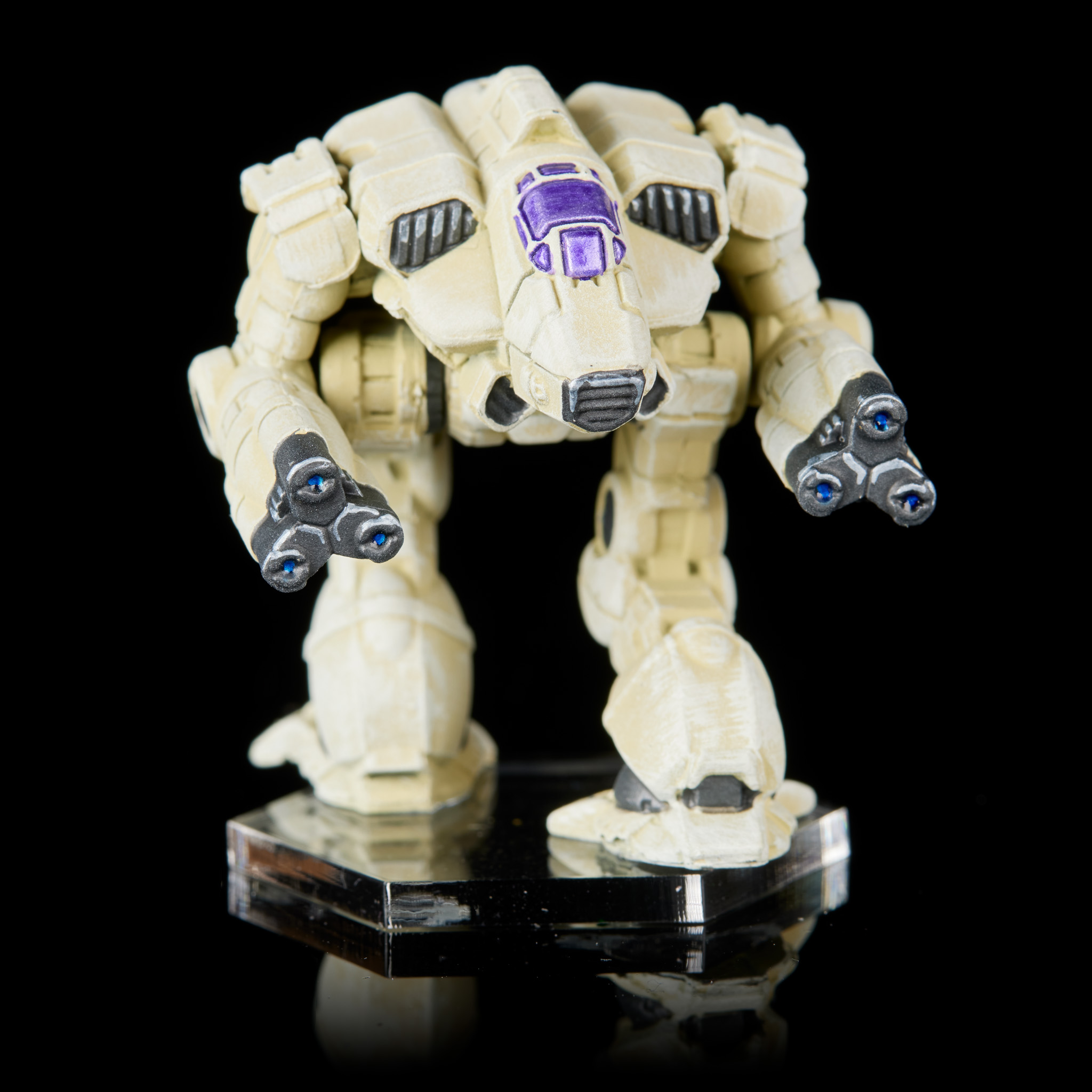 Supernova. Credit: Jack Hunter

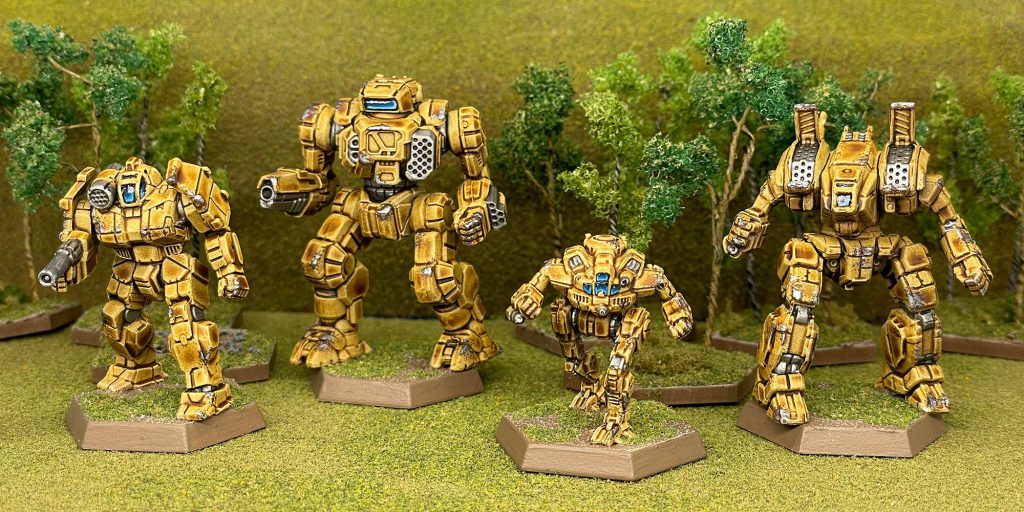 Griffin, Highlander, Mercury, Archer. Credit: 40khamslam.
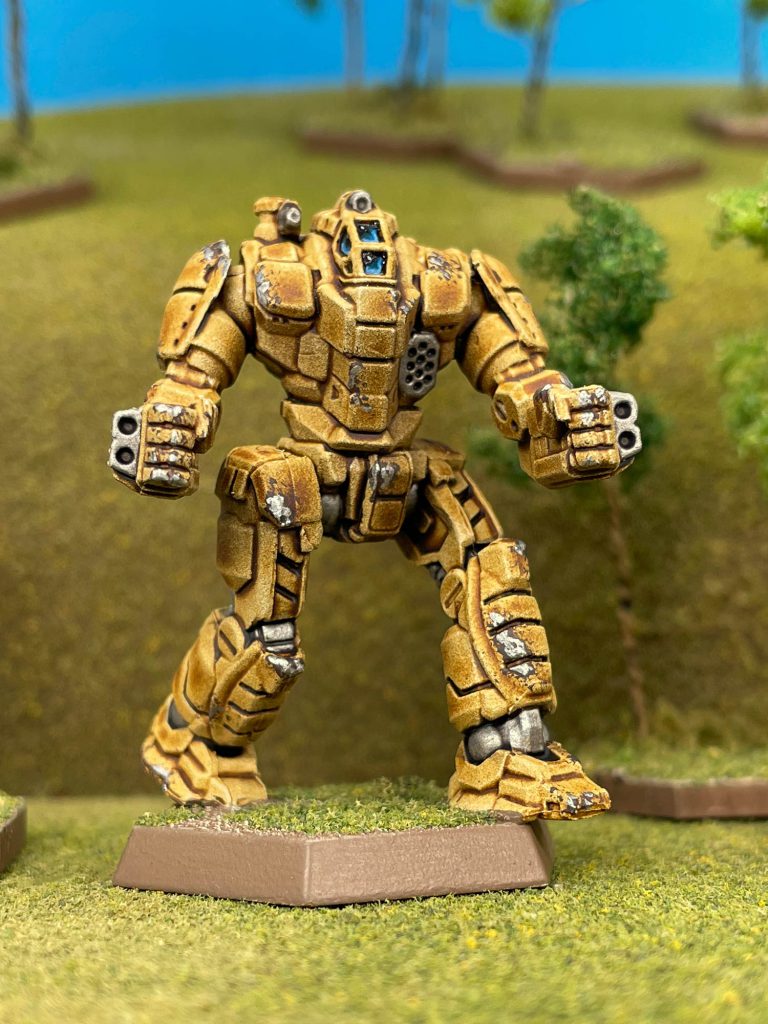 Battletech Exterminator. Credit: 40khamslam.





 Goonhammer App and Patron Updates: April, 2026
 Kill Team Tournament Report: Engage, Party, Repeat's March Madness 2026
 Goonhammer Reviews: Tribal Conquest

