Welcome back to Goonhammer’s series for aspiring Titan Principes. We here at Goonhammer’s own Collegia Titanica know that Adeptus Titanicus can seem intimidating to players unfamiliar with its particular quirks, but this series aims to equip you with everything you’ll need to play out epic clashes on the battlefields of the far future with your very own Titan Battlegroup. In today's article, we'll shine a spotlight on how one of our members has approached terrain.
Greetings, readers! We covered 3D printed buildings in Adeptus Terrainicus Part I. In today's article, we'll cover another aspect of terrain that's overrated: Scatter Terrain!
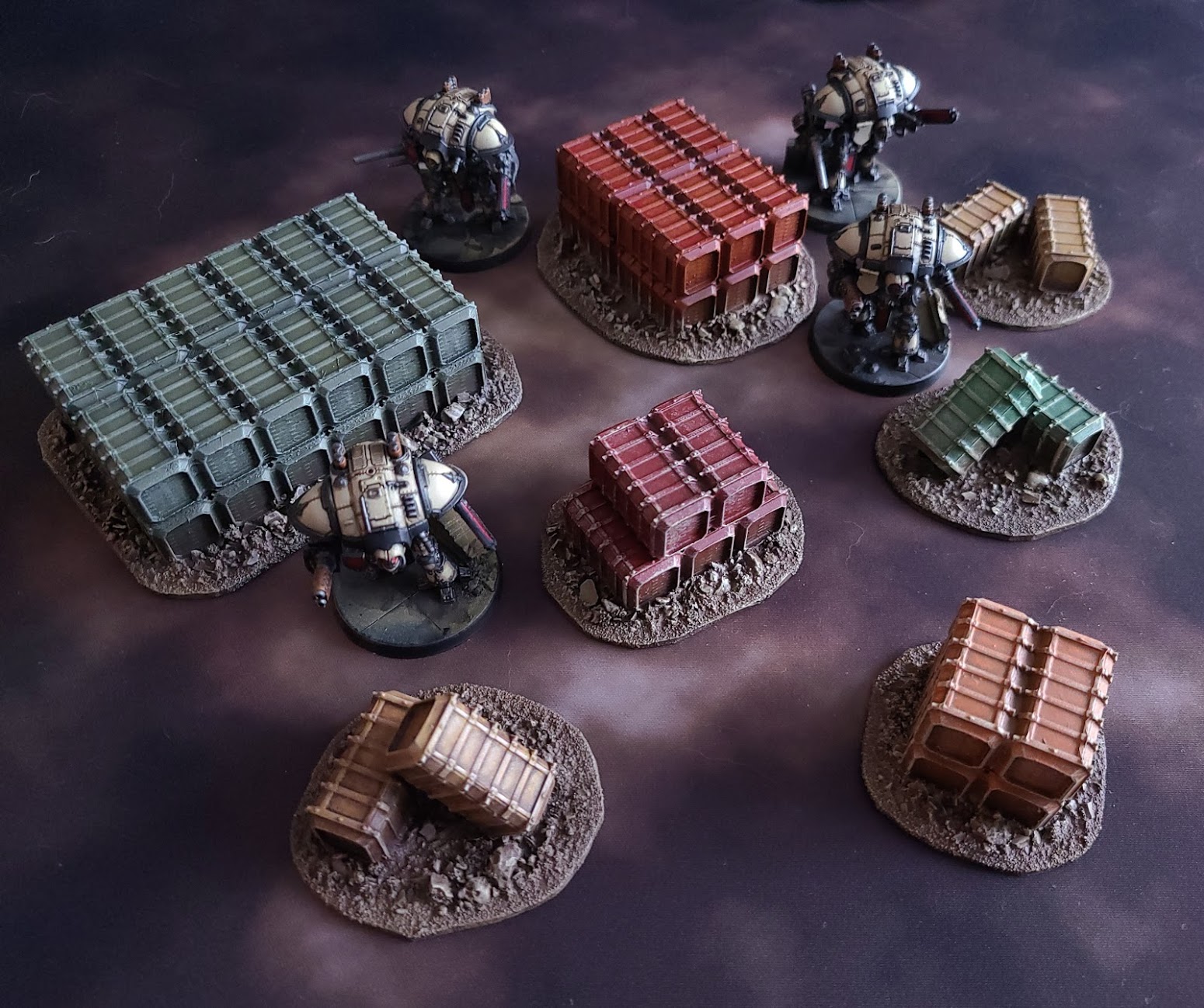
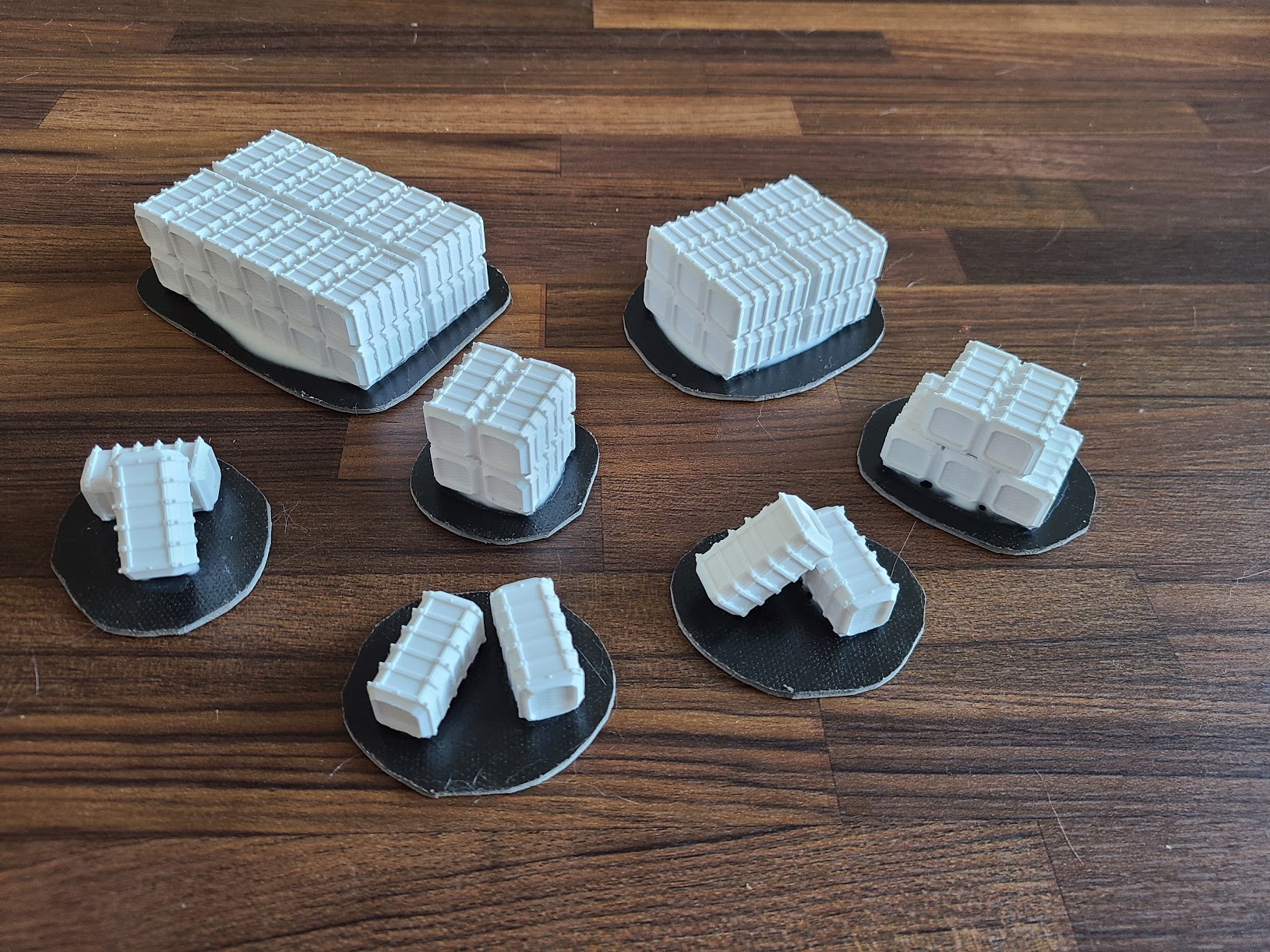
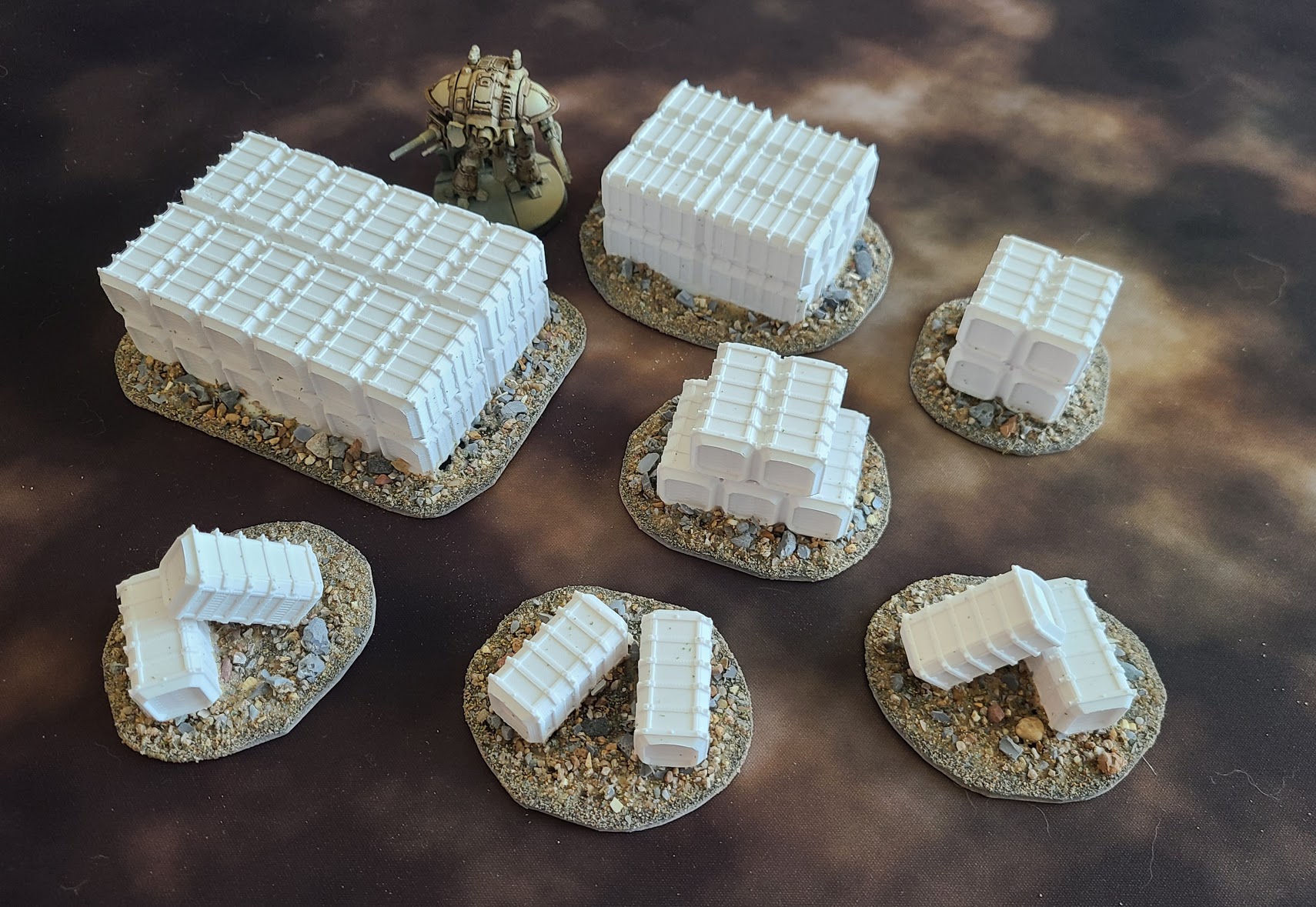
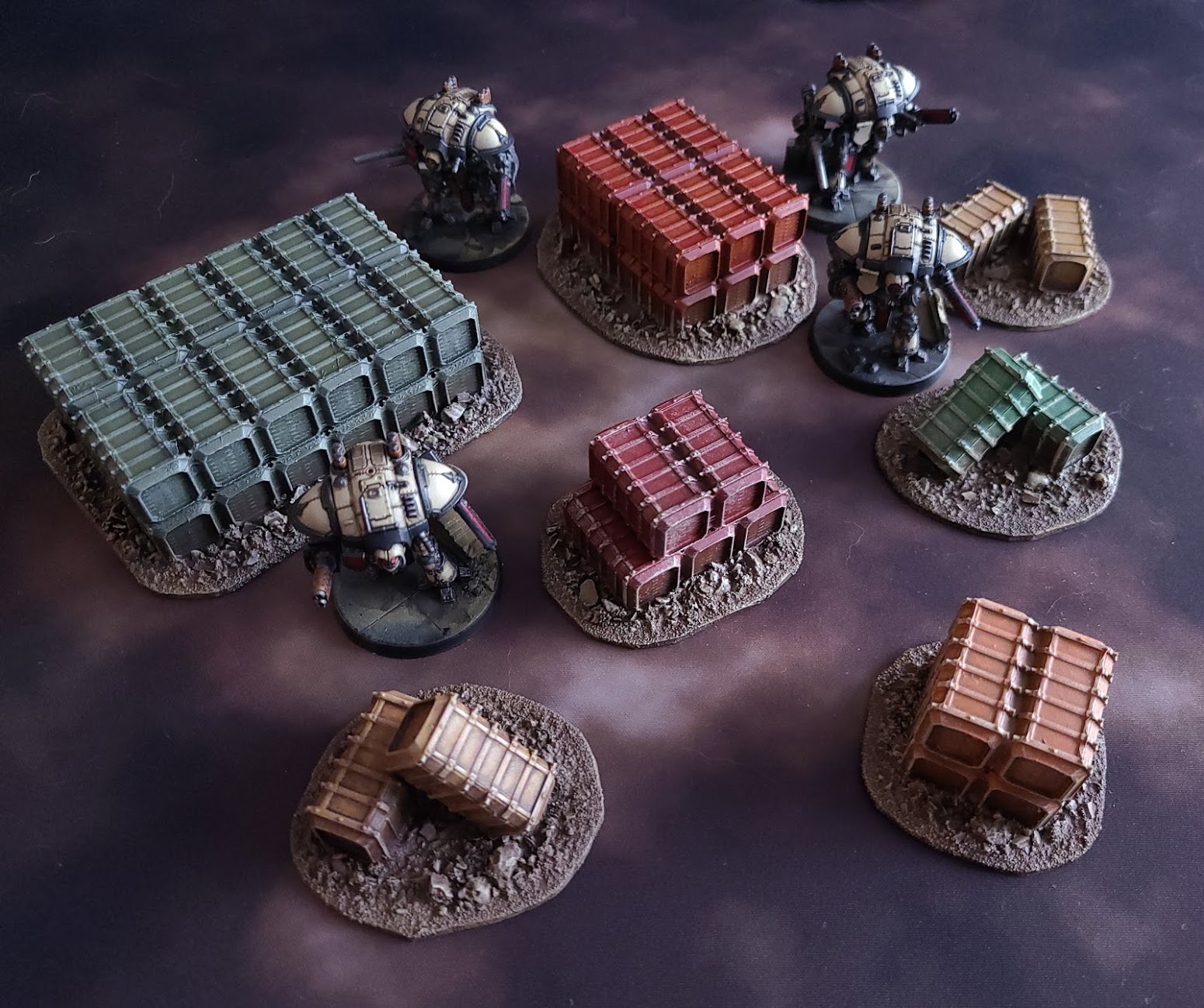
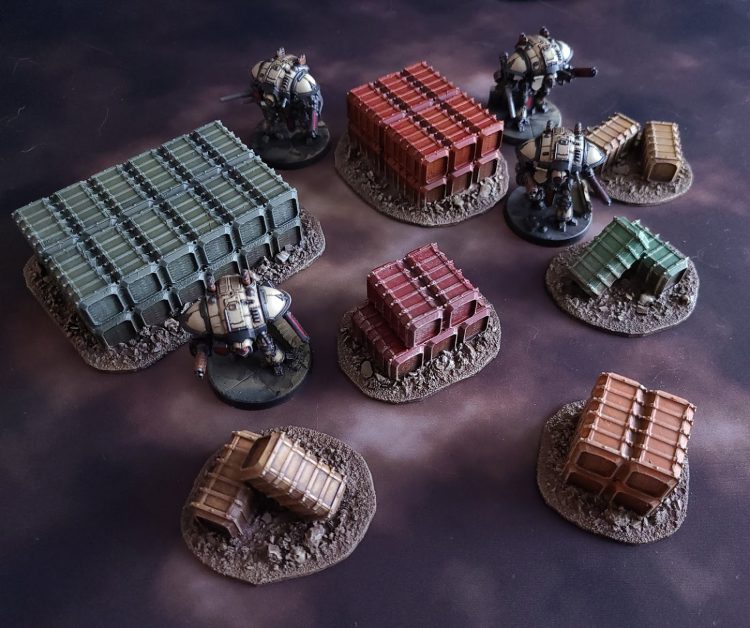 3D Printed Cargo Crates painted by Crab-stuffed Mushrooms
Cue" frameborder="0"> the music
3D Printed Cargo Crates painted by Crab-stuffed Mushrooms
Cue" frameborder="0"> the music
What is Scatter Terrain?
"Scatter terrain" consists of small to medium pieces of terrain that you can "scatter" randomly across the table for a more haphazard, realistic look. You can make rules for it in-game (breaking up line of sight, providing cover, etc.) - but you can also use it
cosmetically (e.g. no in-game rules for the smaller pieces - merely shift them aside when they get in a model's way).
Where can I get Scatter Terrain for Adeptus Titanicus?
Games Workshop sells some excellent kits via the
webstore and
Forge World, but the examples in this article were 3D-printed. I don't own a 3D printer, personally. I either bought them printed from Etsy or paid for the designs to be FDM printed by someone else. While FDM printed pieces may result in visible layer lines, these are barely noticeable due to the scale of the game (and can even help with drybrushing). You can pay more for SLA printed pieces with less layer lines, but they're not worth the extra cost in my opinion.
If you're curious about 3D printing, Goonhammer has a
lovely article to help you explore the process.
The
cargo crates above were designed by
Bjarn Dali and are available on
Thingiverse.
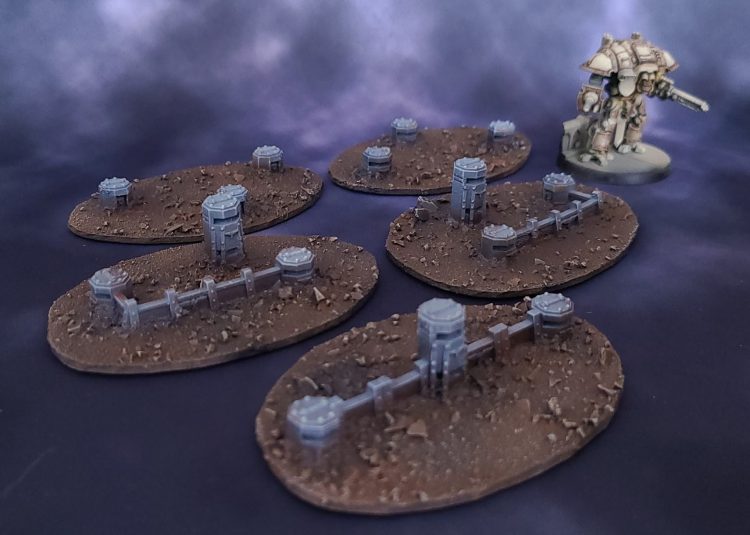
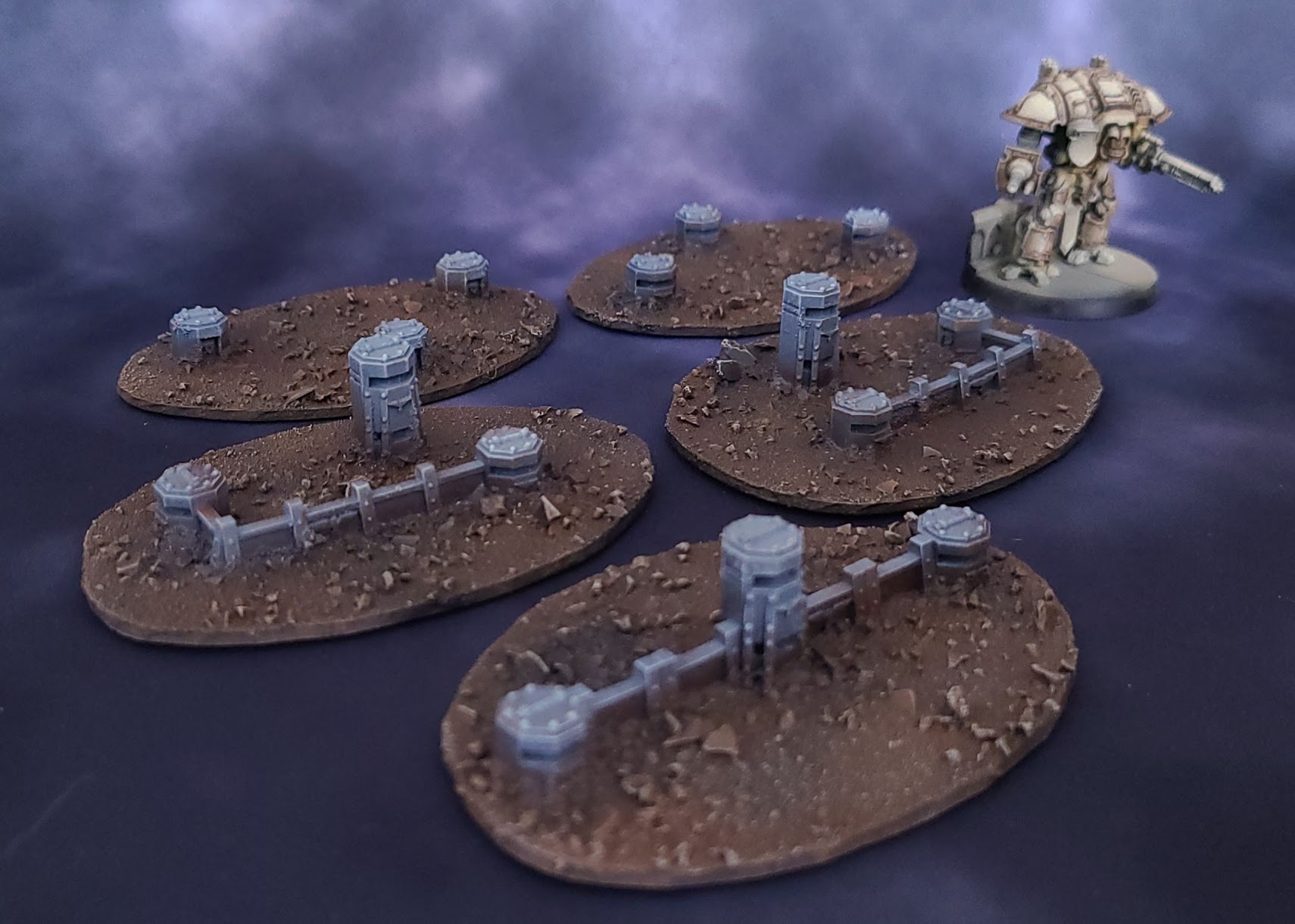
These
pillboxes were purchased from
Boneshop off
Etsy:
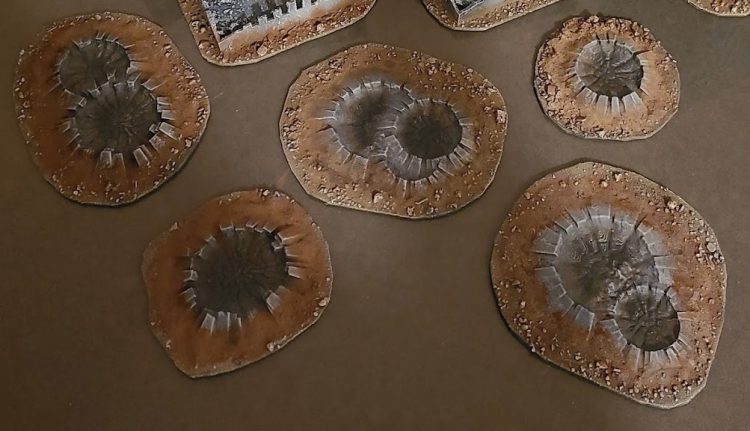
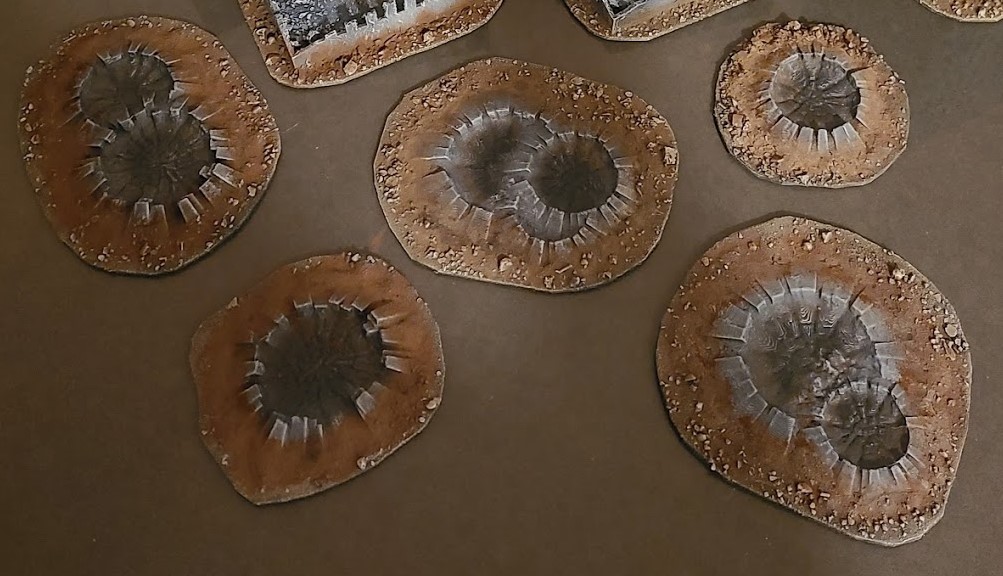
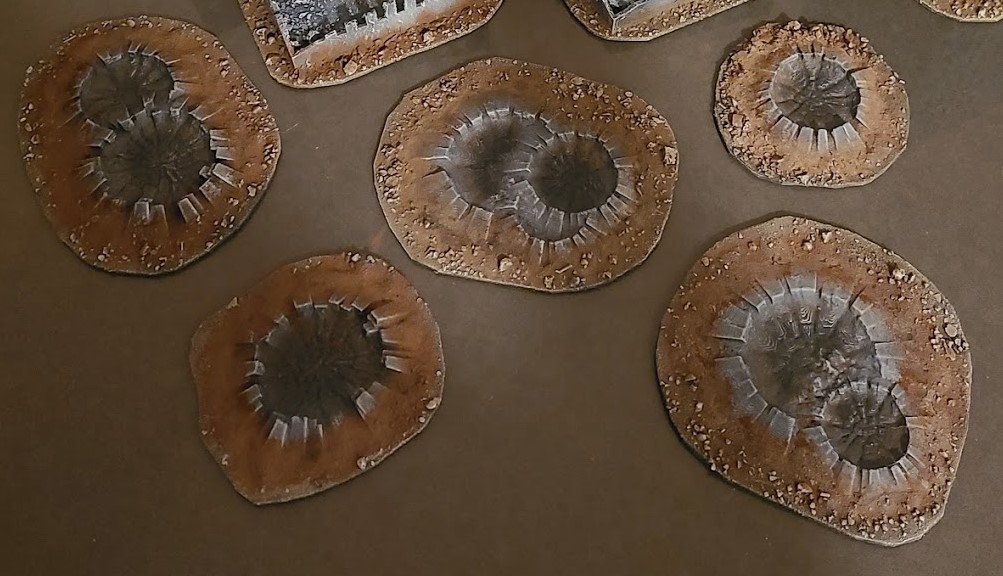
I found 15mm scale
craters off
Etsy. I couldn't locate the original design, but there appear to be
several sellers.
You can also search for
old Epic models off
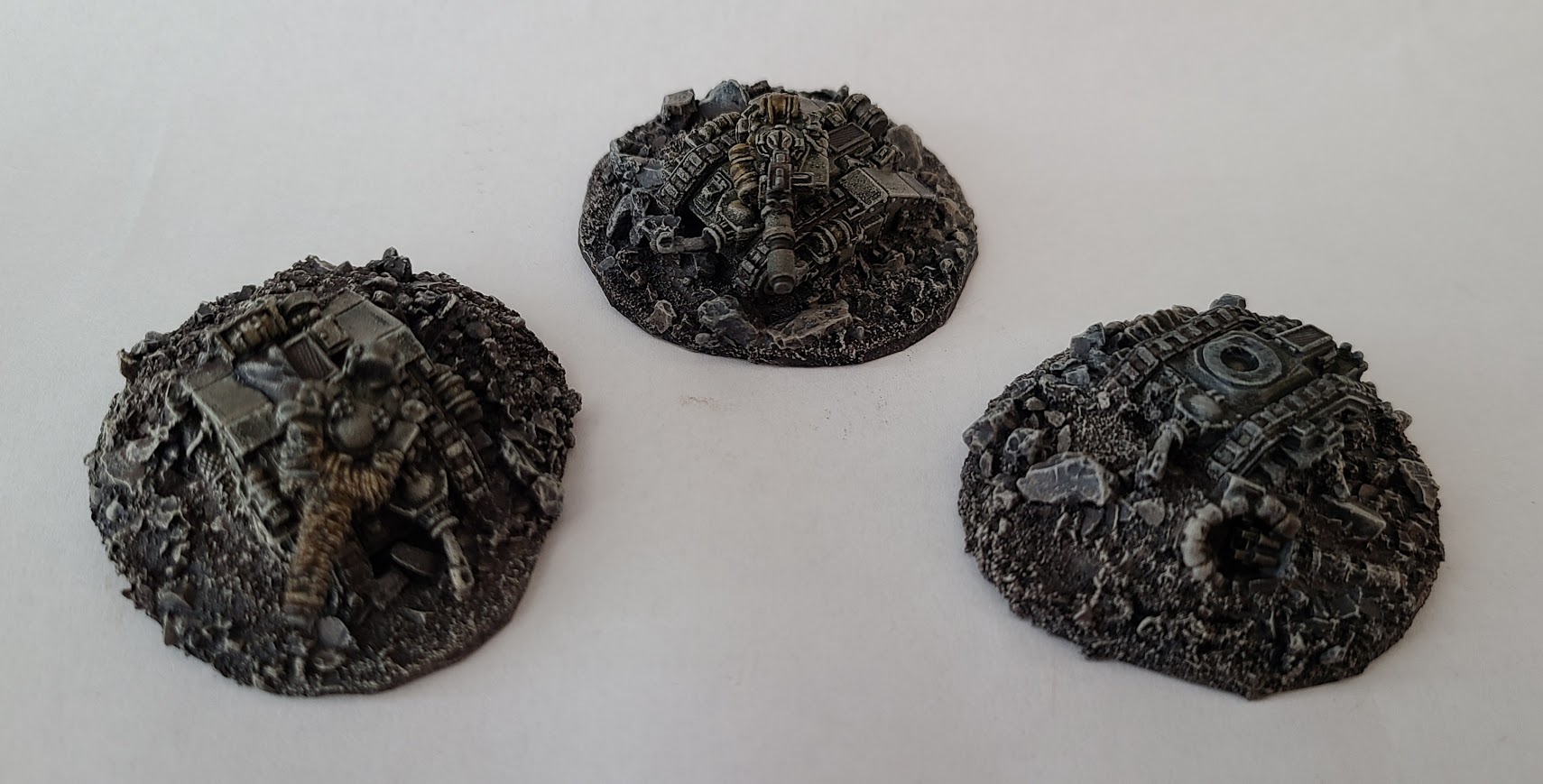
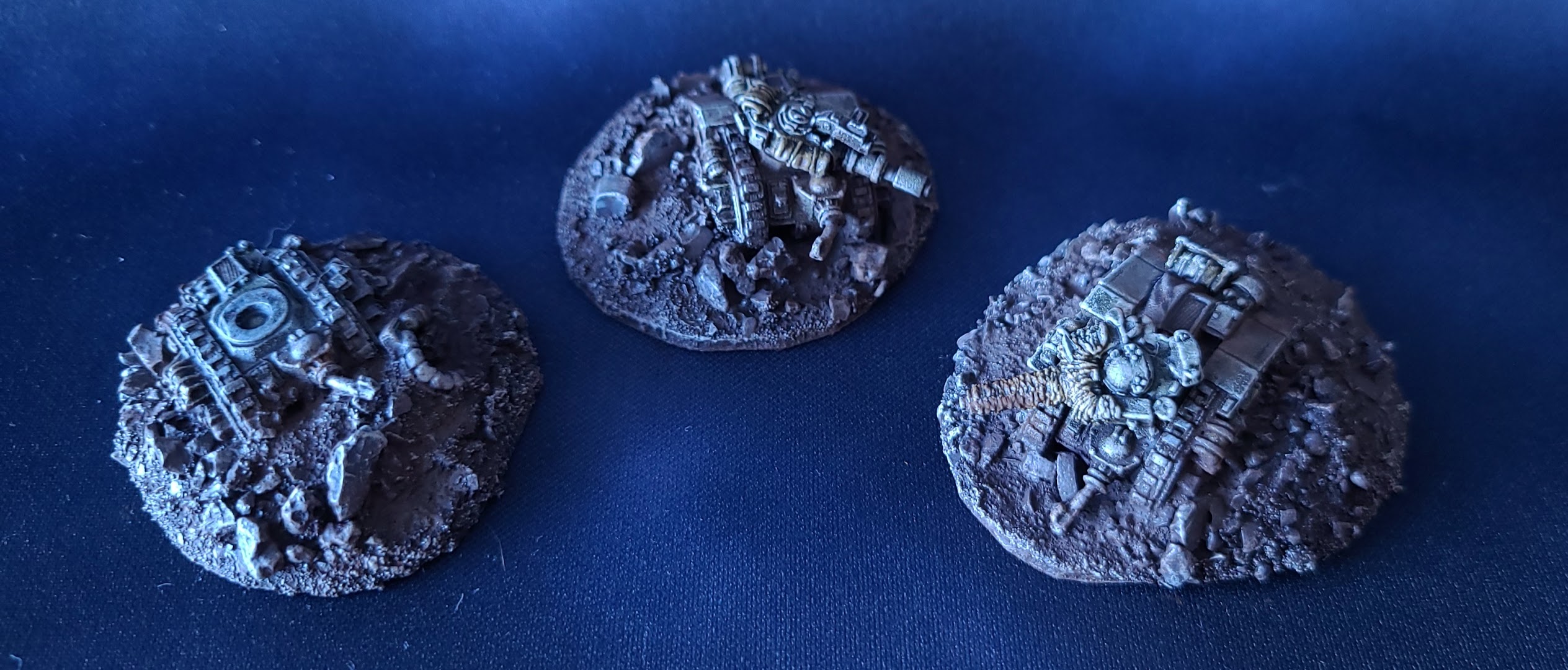
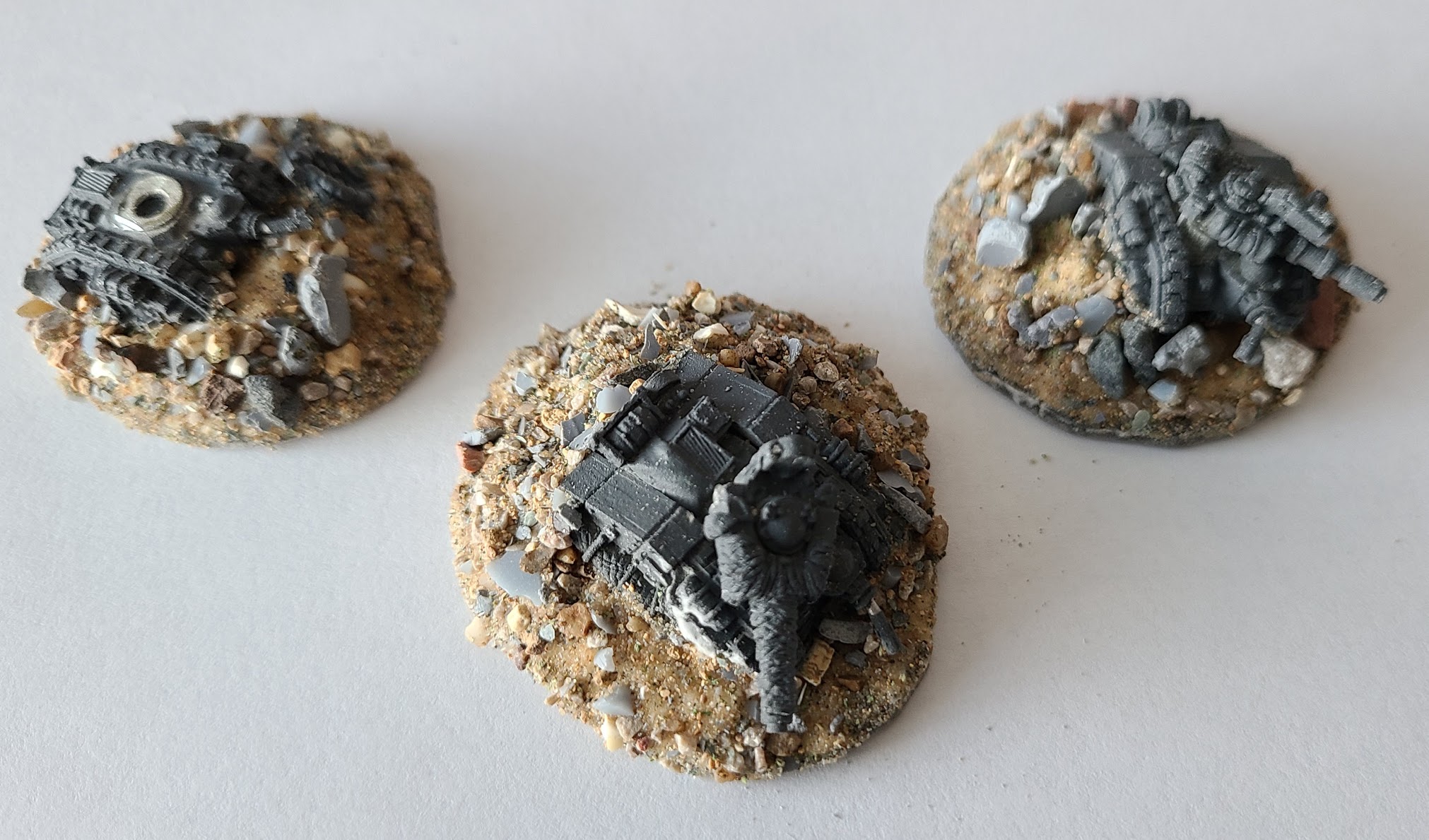
eBay and utilize them to create Scatter Terrain. Collectors may recoil in horror, but these wrecks see more table time than what they're hoarding:
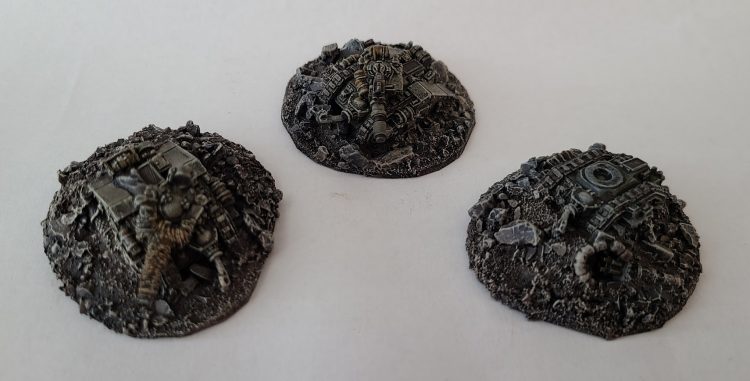 These tanks have seen more action than any Epic game in the 21st century.
How do I make Scatter Terrain?
As mentioned in a
previous article, basing your terrain pieces makes them easier to handle and adds to their longevity. You can learn more about the basing process and the materials used
there.
Cargo Crates:
Step 1: Base your terrain pieces (details in our
previous article):
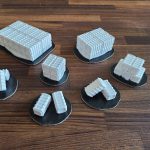 Step 2:
 Cover them in sand, gravel or other modeling material (details in our
previous article):
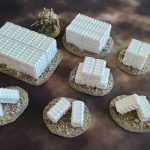 Step 3:
 Prime them with a tough automotive primer (details in our
previous article). You can use black or a more neutral color such as grey (sorry, no pics of this step).
Step 4: Draw an Owl...
Okay, okay I did it again and forgot to take WIP pictures, but bear with me and I'll walk you through it...
- Drybrush them with your base color of choice.
- I chose a combination of red, yellow, orange and green because the majority of my terrain is already monotone and I wanted these to stand out.
- You can drybrush these with progressively lighter colors and use oil paints for weathering.
- Drybrush the dirt on the bases last (details available in our previous article).
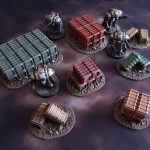
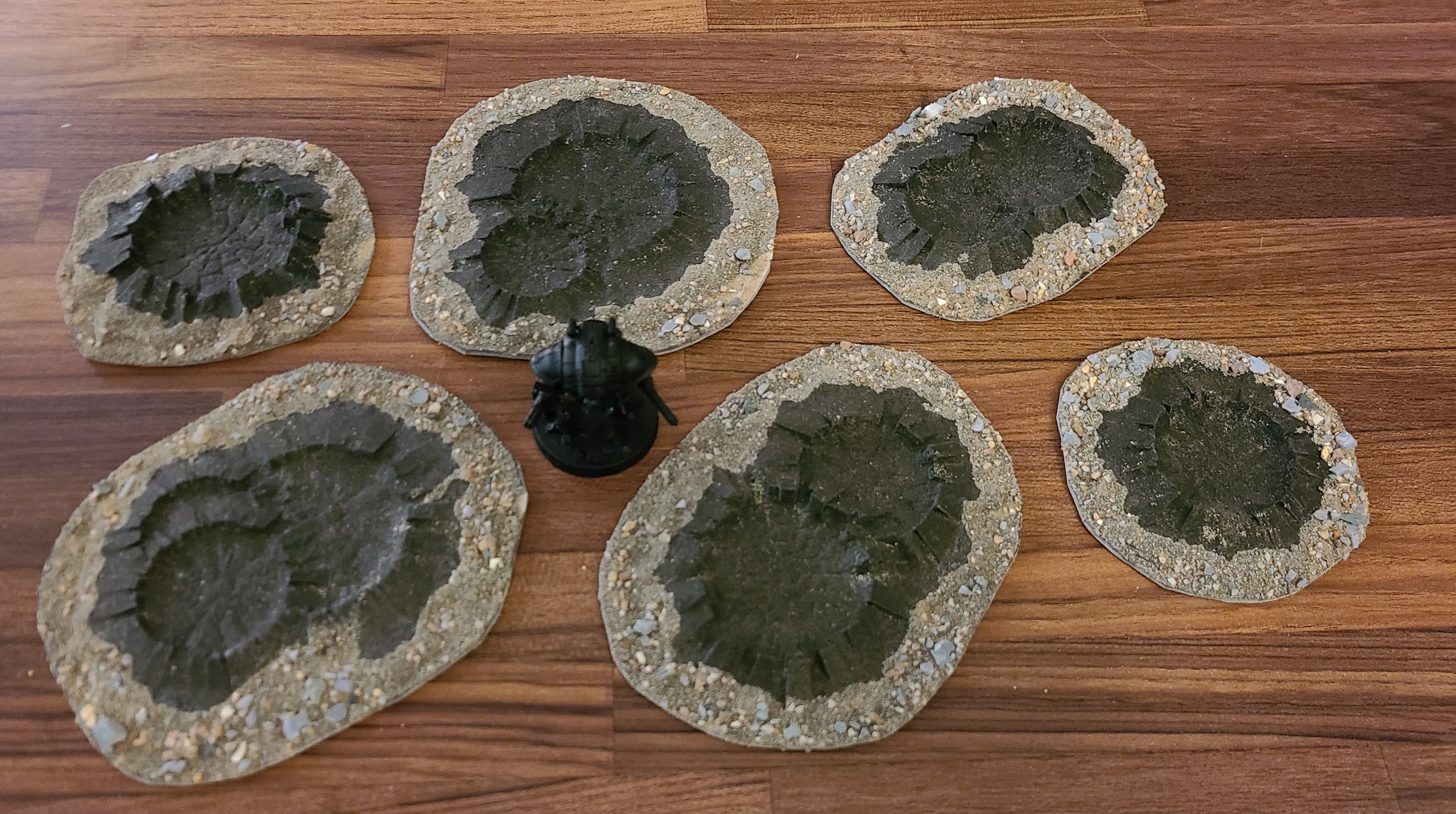
Craters
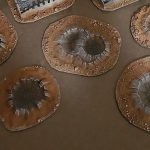 Step 1
: Base the craters and prime them (details for basing and priming in our
previous article).
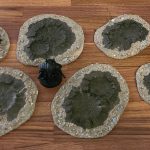 Step 2:
 Roughbrush the base
Dryad Bark
Step 3: Roughbrush the crater with
Mechanicus Standard Grey
Step 4: Roughbrush the inside of the crater with
Corvus Black or
Abaddon Black
Step 5: Lightly drybrush the crater with
Dawnstone.
Step 6 (Optional): Apply brown pigment powder in the color of your choice (I used some old Forge World weathering powders - but you can get pigment powders from a
variety of
sources).
Wrecked Tanks
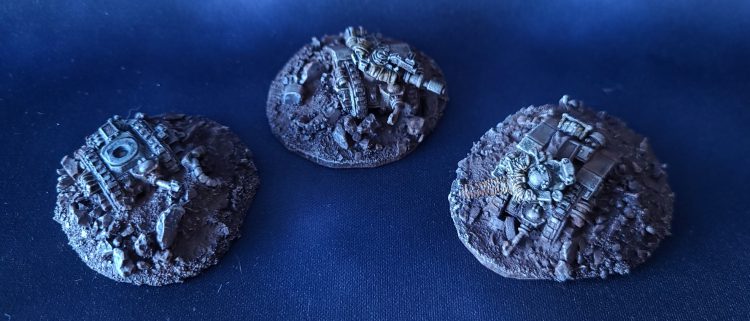 Tank Wreckage by Crab-Stuffed Mushrooms
Step 1:
Tank Wreckage by Crab-Stuffed Mushrooms
Step 1: Find some old Epic terrain off eBay (nothing too precious or that you're not willing to destroy).
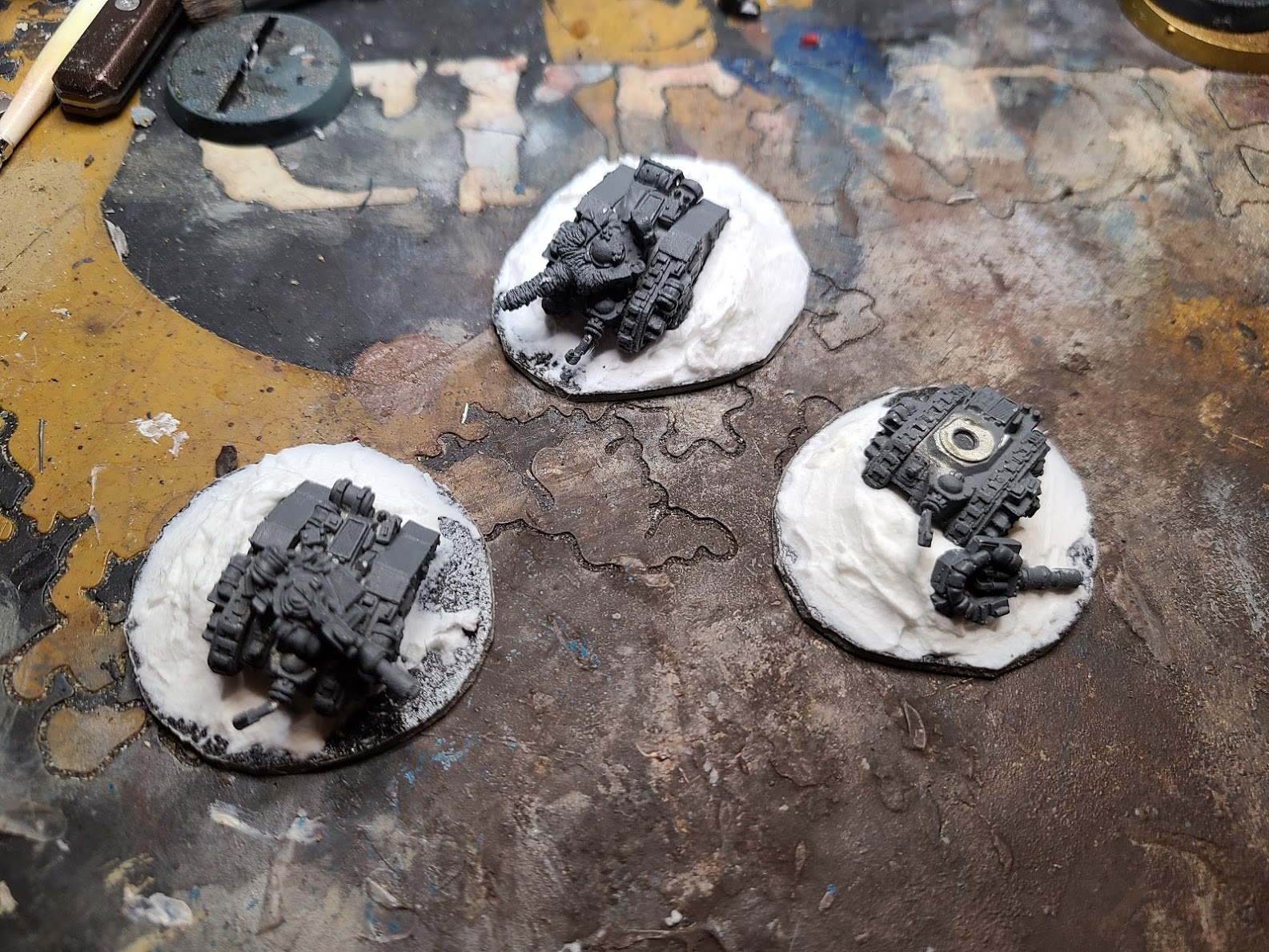
Step 2: Base your terrain pieces (details in our
previous article). I used cheap vinyl flooring tile because it was easy to cut with some shears.
Step 3: Use some sculpting clay or
foam putty to bulk up the area around the tanks (Osssptional: Remove or bend the tank turrets to contribute to the wrecked feel).
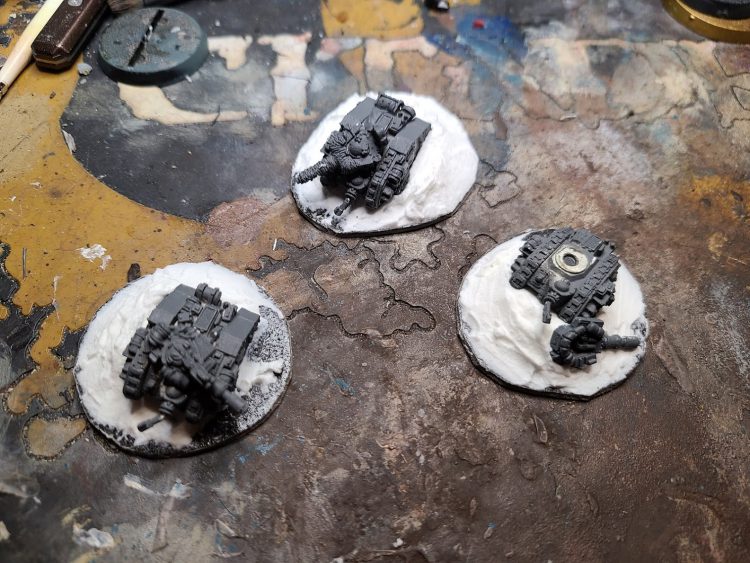 Step 4:
 Use some sand and rubble (details in our
previous article) to bulk up the wreckage:
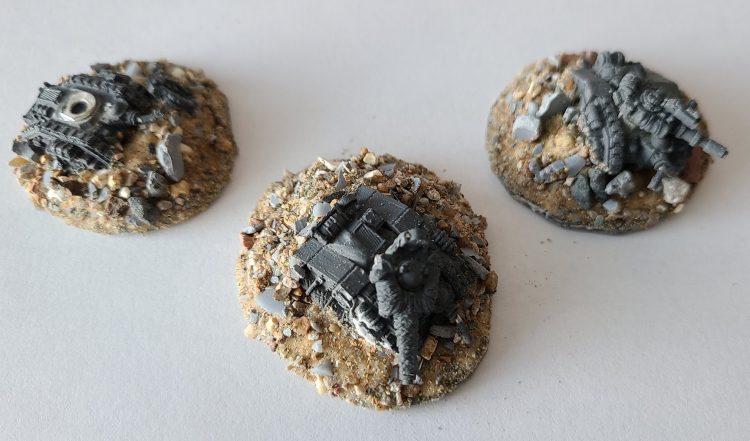 Step 5:
 Prime the models with your primer of choice (I used Citadel Chaos Black).
Step 6: Basecoat the tanks in your color of choice. I started with
Castellan Green and highlighted up with
Ushabti Bone before dulling things down with
oil washes.
Step 7: Drybrush the dirt on the bases
last (details available in our
previous article).
That's it for now, folks. For the next article in the series, we'll explore options for cheap Titanicus Terrain!
Thank you for being a friend.
 This website uses cookies. Learn more.
 3D Printed Cargo Crates painted by Crab-stuffed Mushrooms
 These tanks have seen more action than any Epic game in the 21st century.
 Tank Wreckage by Crab-Stuffed Mushrooms

 Goonhammer Hobby Round-Up: March 2026
 Goonhammer Reviews: Tribal Conquest
 Conquest: Weaver Courts Gemred Knights and Scaile Dancers Model Review

